Aadhaar is the 12-digit unique identity number issued by the Unique Identification Authority of India (UIDAI) to over a billion residents, and it has quietly become the default document behind almost every official transaction in the country: opening a bank account, filing taxes, applying for a SIM card, enrolling in a government scheme, or completing a job’s background check. What makes Aadhaar frustrating in practice isn’t the concept, it’s that every individual task (downloading it, updating a detail, linking it to PAN, checking a status) lives on a slightly different UIDAI tool with almost no explanation of why. This guide is the single starting point: the basics, the most commonly asked questions, and links to a detailed walkthrough for each specific task.
What is an Aadhaar card, exactly?
Aadhaar is a 12-digit unique identification number issued by UIDAI, a statutory authority under the Government of India, based on your demographic details (name, address, date of birth, gender) and biometrics (fingerprints, iris scan, and photograph). It’s not the same thing as citizenship, a resident of India who meets UIDAI’s residency criteria can obtain Aadhaar regardless of citizenship status, and it isn’t a travel document. What it is: the most widely accepted proof of identity and address in the country, issued in a few different physical and digital formats, and increasingly the backbone of how banks, telecoms, and government services verify who you are.
e-Aadhaar vs. physical Aadhaar vs. PVC Aadhaar
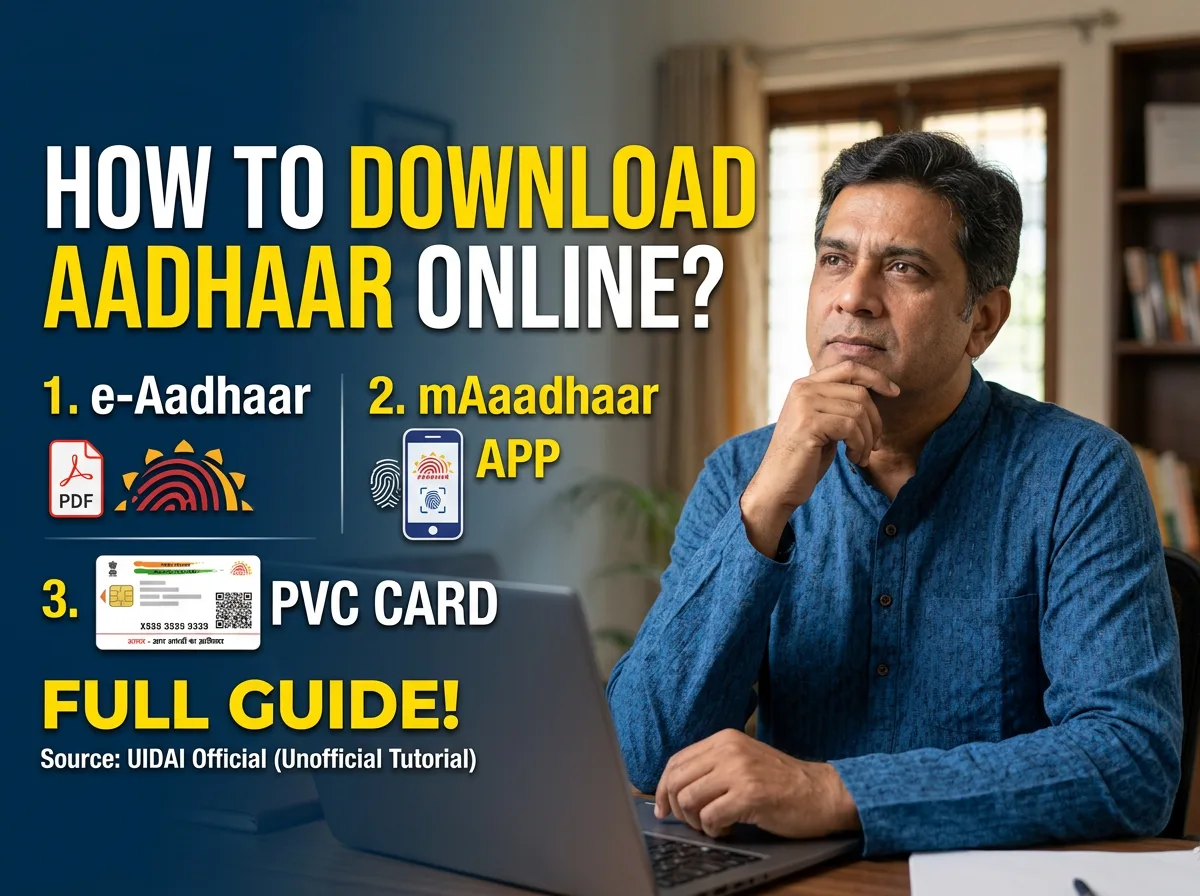
There are three formats in circulation and they’re all equally valid, which itself surprises a lot of people. The original physical Aadhaar is the laminated paper letter mailed after enrolment. e-Aadhaar is a free, password-protected digital PDF downloaded from the UIDAI website, digitally signed and legally equivalent to the physical version for identity and address verification. PVC Aadhaar is an optional, durable, credit-card-sized version with a QR code and security features, ordered online for a small fee and delivered by post. None of the three is “more official” than the others; the choice comes down to convenience.

When did Aadhaar start, and who is it for?
Aadhaar enrolment began in 2010 under UIDAI, and it’s now the largest biometric identity system in the world by enrolled population. It’s open to residents of India, including infants (enrolled with a parent’s Aadhaar linked and updated with the child’s own biometrics once they’re older), long-term residents who meet UIDAI’s residency criteria, and in defined circumstances, Non-Resident Indians (NRIs) holding a valid Indian passport, though NRIs typically follow a distinct application track and should confirm current eligibility rules on the official UIDAI portal, since eligibility criteria for specific groups are periodically clarified and updated.
The six things people actually need to do with their Aadhaar
Almost every Aadhaar-related search falls into one of six buckets. Each one has its own detailed guide linked below, but here’s the map of which tool handles what.
Getting a copy of your Aadhaar
Downloading e-Aadhaar, setting up the mAadhaar app, or ordering a PVC card are all covered in how to download your Aadhaar card online, including the exact password format for the downloaded PDF (a detail almost nobody explains upfront) and what to do if OTP-based download isn’t working for you.
Linking Aadhaar with PAN
This one is a legal requirement, not optional, and an unlinked PAN quietly becomes “inoperative” with real financial consequences. How to link Aadhaar with PAN card covers the process, how to check your current status, and the most common reasons linking requests fail.
Updating your mobile number
Unlike most updates, this one can’t be done online, since it requires biometric verification rather than an OTP. How to update or link your mobile number on Aadhaar card explains why, and exactly what to expect at an Aadhaar Seva Kendra.
Checking your status
“Aadhaar status” actually means three different things depending on what you’re checking, a new enrolment, an update request, or basic number verification, and each uses a different UIDAI tool. Aadhaar card status check and verification sorts out which one you need.
Changing your address, name, or date of birth
Address changes can be done entirely online; name and date of birth changes are held to a stricter standard. How to change your address, name and date of birth on Aadhaar card covers which documents each update accepts and how many times you’re allowed to make each type of change.
Sharing it safely, especially with an employer
Aadhaar isn’t legally mandatory for private employment, but most job applications ask for it anyway, and it’s worth knowing what’s actually safe to share. Is it safe to share your Aadhaar card with your employer? covers what employers legitimately need it for, and how to protect your number from misuse.
Common Aadhaar questions, answered directly
Are Aadhaar card and PAN card link mandatory?
Yes. Linking is a statutory requirement for most PAN holders, and an unlinked PAN becomes inoperative, affecting TDS rates and refund processing, until it’s linked. See the full PAN linking guide for the exact steps.
Can Aadhaar card address be changed online?
Yes, entirely online through UIDAI’s Self Service Update Portal using an accepted address proof document. Name and date of birth changes are more restricted, covered in the address, name and DOB update guide.
How is Aadhaar card downloaded?
Through UIDAI’s official portal using your Aadhaar number, Enrolment ID, or Virtual ID plus an OTP to your registered mobile number. The full walkthrough, including the password format for the downloaded PDF, is in the Aadhaar download guide.
What is e-Aadhaar?
A free, digitally signed PDF version of your Aadhaar, downloaded from the UIDAI website, and legally equivalent to the physical card for identity and address verification purposes.
When did Aadhaar card start in India?
Enrolment began in 2010 under the Unique Identification Authority of India (UIDAI), making it, by enrolled population, the largest biometric identity program in the world.
Where can you update your Aadhaar card near you?
UIDAI’s official website has a centre locator for Aadhaar Seva Kendras and enrolment/update centres by pin code or city. Some updates (like address) don’t require a visit at all and can be done from UIDAI’s online Self Service Update Portal instead.
Which Aadhaar number formats exist: UID, EID, VID?
UID is your standard 12-digit Aadhaar number. EID (Enrolment ID) is the reference number issued at enrolment or update time, useful before your Aadhaar number itself is generated. VID (Virtual ID) is a temporary, revocable 16-digit number you can generate and use in place of your actual Aadhaar number when you’d rather not share it directly, useful on devices or forms you don’t fully trust.
Who is Aadhaar’s issuing authority?
The Unique Identification Authority of India (UIDAI), a statutory authority established under the Aadhaar Act, operating under the Government of India’s Ministry of Electronics and Information Technology.
Why does Aadhaar card update sometimes get rejected?
Most rejections trace back to an unclear document scan, a document that doesn’t match the specific change requested, or a mismatch between the document and the details entered in the request. The status page always names the specific reason, which is the fastest way to know exactly what to fix, covered in more depth in the status check guide.
A note on where to actually go
Every process described in this guide and its linked articles runs through UIDAI’s own official channels, the myaadhaar.uidai.gov.in portal, the mAadhaar app, or an authorized Aadhaar Seva Kendra. Fees, document requirements, and specific portal names are periodically updated by UIDAI, so treat this guide as the map of what to expect and where to look, and always complete the actual transaction on UIDAI’s official site or app rather than a third-party website that claims to offer the same service, since Aadhaar-related scams overwhelmingly work by mimicking official portals.
Frequently asked questions
Is Aadhaar card mandatory for getting a job in India?
No, not for general private employment, though most employers request it as one accepted identity/address proof, and it is specifically required for statutory processes like EPF enrolment. See the employer-sharing guide for the full picture.
Can foreign nationals or NRIs get an Aadhaar card?
Aadhaar is generally for residents of India who meet UIDAI’s residency criteria. NRIs holding a valid Indian passport can apply for Aadhaar in defined circumstances, typically through a distinct application track, and should confirm current eligibility on the official UIDAI portal since rules for specific groups are periodically updated.
Can you have multiple Aadhaar cards?
No, each resident is entitled to exactly one Aadhaar number, and holding more than one is treated as a violation with penalties under the Aadhaar Act. If you believe you were accidentally issued a duplicate, UIDAI’s grievance channels handle correcting or cancelling the extra enrolment.
How can you protect your Aadhaar number from misuse?
Share a masked Aadhaar (last four digits only) when a full number isn’t specifically required, lock your biometrics through UIDAI when not actively using Aadhaar-based authentication, avoid posting Aadhaar photos on social media, and never share your Aadhaar OTP with anyone. More detail is in the Aadhaar security guide.





Leave a Reply