Aadhaar Card
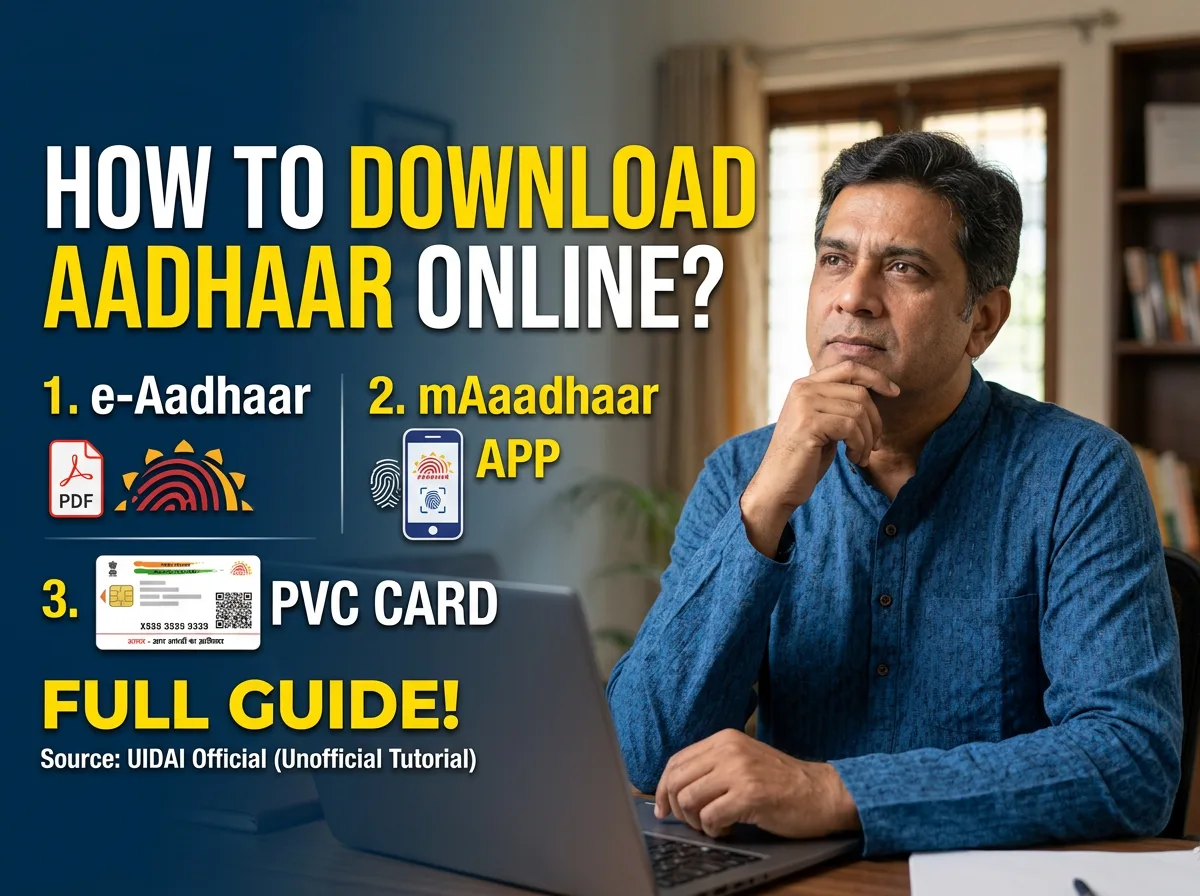
“Aadhaar card download” is searched millions of times a month in India, and yet the process still confuses people every single time, mostly because there are three different ways to get a copy (e-Aadhaar, mAadhaar app, PVC card), the downloaded PDF is locked behind a password nobody explains clearly, and the terminology changes depending on which government portal you land on. This guide walks through all three download methods, the password issue, and the questions that come up most: how to download without OTP, what e-Aadhaar actually is, and whether a downloaded copy is treated the same as the original.
Quick answer: how to download Aadhaar card online
Go to the official UIDAI portal at myaadhaar.uidai.gov.in, select “Download Aadhaar,” enter your 12-digit Aadhaar number (or your Enrolment ID, or the alternative Virtual ID if you’d rather not share your Aadhaar number), verify the captcha, and request an OTP sent to your registered mobile number. Enter the OTP and the site generates a password-protected PDF called an e-Aadhaar, which is legally treated the same as a physical Aadhaar card for identity and address verification. The whole process takes under five minutes if your mobile number is already linked to your Aadhaar.
What is e-Aadhaar, and is it the same as a physical Aadhaar card?
e-Aadhaar is the electronic, digitally signed version of your Aadhaar card, issued as a PDF by UIDAI (the Unique Identification Authority of India). It carries a UIDAI digital signature, which makes it just as valid for identity and address proof as the laminated card that originally arrived by post, whether you’re opening a bank account, applying for a SIM card, or completing KYC for a mutual fund or demat account. The only practical difference is the format: one is a physical card, the other is a document you print or show on your phone.

Three ways to download or access your Aadhaar
1. e-Aadhaar via the UIDAI website
This is the most common route and the one most “how to download Aadhaar card” searches are actually looking for. Visit the official UIDAI Aadhaar portal, choose “Download Aadhaar,” and pick one of three identifiers: your Aadhaar Number (UID), your Enrolment ID (EID, found on your enrolment/update acknowledgement slip), or your Virtual ID (VID), a temporary, revocable 16-digit number you can generate if you’d rather not enter your actual Aadhaar number on a shared or public device. Enter the number, fill in the captcha, request an OTP on your registered mobile number, enter it, and download the PDF.
2. The mAadhaar app
UIDAI’s official mAadhaar app (available for Android and iOS) lets you keep a digital profile of your Aadhaar on your phone after a one-time registration with an OTP. Once set up, it works offline for showing your Aadhaar details via a QR code that can be scanned to verify your identity, without needing a fresh internet connection or a new download every time. It’s the more convenient option if you need to show your Aadhaar often, since you’re not re-downloading a PDF each time.
3. Ordering a PVC Aadhaar card
If you want a durable, credit-card-sized, laminated physical card rather than a printed PDF, UIDAI offers a PVC Aadhaar card you can order online for a small fee, delivered by post to your registered address. It includes a QR code, hologram, and other security features, and is a popular option for people who want something that fits in a wallet rather than a folded A4 printout. Fees and delivery timelines change periodically, so check the current amount on the UIDAI portal before paying.
The e-Aadhaar password: what it is and how to open the PDF
This is the single most common point of confusion after a successful download. The e-Aadhaar PDF is password-protected, and the password is not sent to you separately, it’s a fixed format based on your own details: the first four letters of your name in capital letters (as printed on your Aadhaar), followed by your year of birth in YYYY format. For example, someone named Ravi Kumar born in 1994 would use “RAVI1994” as the password. If your name is shorter than four letters, use the full name followed by your year of birth. This password format applies specifically to the standard e-Aadhaar download; it does not apply to other Aadhaar-related documents like update acknowledgement slips, which may not be password-protected at all.
Can you download Aadhaar card without OTP?
No, not through the standard online download flow, and that’s intentional. OTP verification to your registered mobile number is the security check that confirms the person downloading the Aadhaar is actually the person it belongs to (or someone they’ve authorized). If your mobile number isn’t linked to your Aadhaar, or you no longer have access to it, the online self-service download won’t work, and you’ll need to either update your mobile number first (which itself typically requires an in-person visit to an Aadhaar Seva Kendra for biometric verification) or visit a Kendra directly, where staff can print your Aadhaar after verifying your identity in person, without relying on an OTP to your phone.
What if the download fails or your mobile number isn’t registered?
A few things cause most failed downloads: a mismatch between the name/number entered and UIDAI’s records, an expired or unreceived OTP (check for network delay before requesting a fresh one, and avoid requesting repeatedly in quick succession, which can trigger a temporary block), or, most commonly, a registered mobile number that’s no longer active. If your number has changed and was never updated with UIDAI, the download portal has no way to reach you with an OTP, and updating the mobile number on file is the actual fix, not a workaround on the download page itself.
| Download method | Best for | Requires OTP? | Cost |
|---|---|---|---|
| e-Aadhaar (UIDAI website) | A quick digital copy for KYC, forms, or printing | Yes | Free |
| mAadhaar app | Showing Aadhaar regularly without redownloading | One-time OTP for setup | Free |
| PVC Aadhaar card | A durable, wallet-sized physical card by post | Yes, for the order | Small fee, check current amount on UIDAI |
| In-person print at Aadhaar Seva Kendra | No access to registered mobile number | No — biometric verification instead | Nominal fee at the Kendra |
Frequently asked questions
What is the Aadhaar card download password?
The first four letters of your name in capital letters, exactly as printed on your Aadhaar, followed by your four-digit year of birth, for example, “SUNI1998” for someone named Sunita born in 1998.
What is a PVC Aadhaar card, and do I need one?
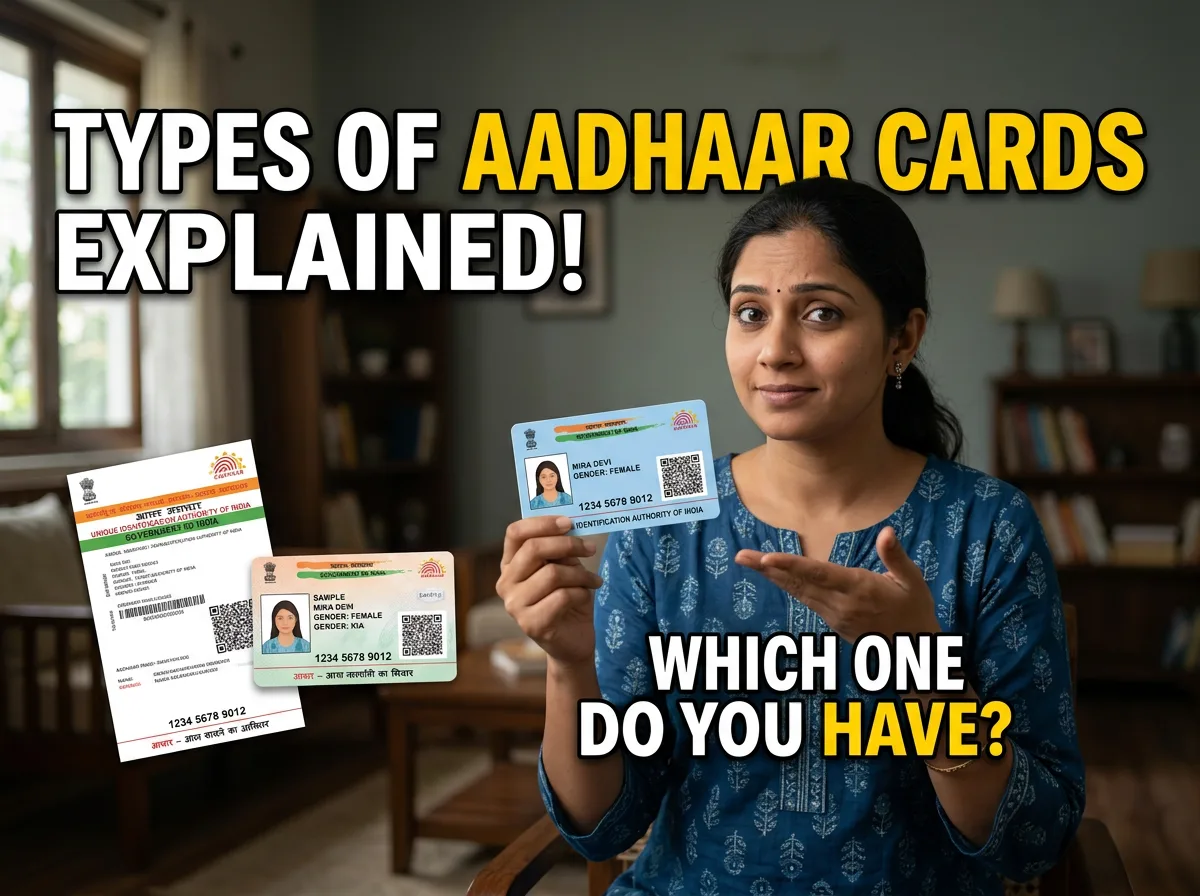
A PVC Aadhaar card is a durable, laminated, credit-card-sized version of your Aadhaar with a QR code and security features, ordered online for a small fee and delivered by post. It’s optional; a printed e-Aadhaar is equally valid, but many people prefer it for wallet convenience and durability.
Where can I scan my Aadhaar card to verify it?
Every Aadhaar (physical, PVC, or e-Aadhaar) has a QR code that can be scanned using UIDAI’s official “Aadhaar QR Code Reader” or the mAadhaar app, which decodes the demographic details digitally signed by UIDAI and confirms the document matches official records without exposing the Aadhaar number itself.
Can I download someone else’s Aadhaar card for them?
Only if you have their Aadhaar or Enrolment number and access to the OTP sent to their registered mobile number, since that OTP is the actual identity check. Downloading it without their knowledge or consent, even for a family member, isn’t something UIDAI’s process is designed to support, and sharing someone else’s Aadhaar number and OTP carries the same privacy risk as sharing your own.
Is a downloaded e-Aadhaar accepted everywhere the physical card is?
Yes. A digitally signed e-Aadhaar carries the same legal standing as the original physical card for identity and address verification under UIDAI rules, and is widely accepted by banks, telecom providers, and government offices. If a specific office insists otherwise, that’s a local process issue rather than a rule about e-Aadhaar’s validity.




Leave a Reply